
In the field of stage lighting and architectural illumination, there are two systems: DMX and SPI. While the SPI LED strip protocol is relatively simple. What about SPI LED strips with completely different protocols (such as the common WS2812B)? This article will provide you with a complete guide from theory to practice. Thoroughly explaining how to build and control SPI LED strip, unleashing their full potential and turning your creative lighting projects from concept to reality. More details, pls visit What is the Difference Between DMX 512 and SPI LED Strip?
What is an SPI LED Strip?
SPI LED strips are a popular choice, more commonly known as “addressable LED strips.” Their core feature is that each LED can be individually controlled. Common examples include the WS2812B (also known as NeoPixel) and APA102.
They operate using a simple serial communication protocol. The controller sends a data sequence, and the first LED reads its own color data. And then forwards the subsequent data to the next LED, and so on.
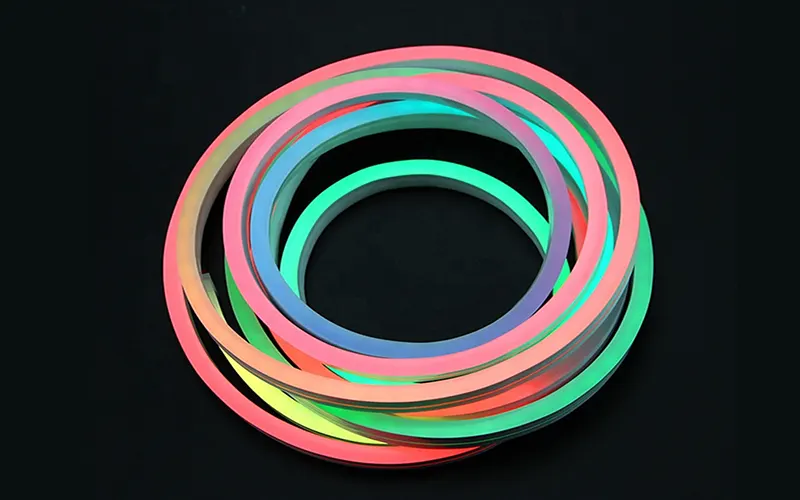
SPI LED Strip Features
- Individual Addressability: Capable of generating complex dynamic effects—such as chasing lights and rainbow gradients. Which is something traditional LED strips cannot achieve.
- Simple Interface: Typically requires only a data line, a clock line (for certain models), a power supply. And a ground connection.
- Limitations: Native SPI signals have a limited transmission range (typically within a few meters) and are susceptible to interference. Making them unsuitable for direct wiring in large-scale projects.
What is a DMX Control System?
DMX512 (commonly referred to as DMX) is the recognized standard digital control protocol within the entertainment lighting industry. It acts much like an orchestral conductor, unifying and coordinating all lighting fixtures. Its control mechanism is somewhat complex, requiring specialised controllers and connectors.
DMX segments control data into discrete “universes,” each containing 512 “channels.” Each channel corresponds to a specific control parameter (such as brightness, color, etc.). The controller transmits data via XLR cables using differential signalling, offering robust resistance to interference.
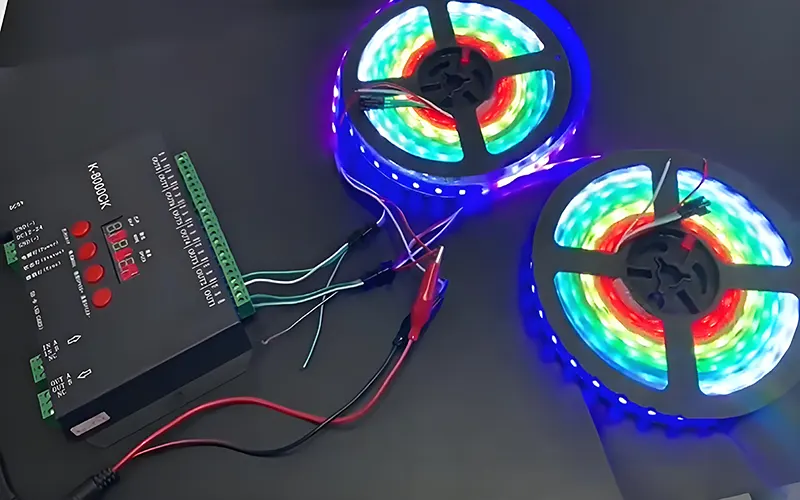
DMX LED Strip Features
- Standardization and Versatility: Almost all professional lighting equipment supports the DMX interface.
- Stability and Long Distance: Signal transmission distances can reach hundreds of meters, making it ideal for large venues.
- Powerful Centralized Control: A single main controller can manage thousands of channels and orchestrate complex lighting scenes.
- Limitations: The native DMX protocol is not designed for direct control of addressable LED pixels. It excels at controlling the entire lighting fixture rather than individual LEDs.
How to Connect an SPI LED Strip to a DMX Control System?
DMX systems are capable of controlling SPI LED strips; however, a decoder is required to facilitate this operation. The key component for achieving DMX control over SPI LEDs is the DMX-SPI Decoder/Driver.
DMX Signal Connection
Connect the signal output of your DMX console or DMX-USB converter (Art-Net/sACN)—typically via a 3-pin or 5-pin XLR connector—to the DMX input port on the DMX-SPI decoder.
If daisy-chaining multiple decoders, connect the DMX output of the preceding decoder to the DMX input of the next one in the chain. Ensure that a DMX termination resistor is enabled or installed on the final decoder in the chain.
Power Connection
The DMX-SPI decoder requires a separate DC 12V/24V power supply. The SPI LED strip also requires a matching power supply (typically 5V or 12V). Ensure sufficient power capacity based on the strip’s length and density. Note: The decoder and LED strip are typically connected using a common ground to ensure signal stability.
SPI Signal Connection
Connect the Data line and the Output terminal on the decoder to the corresponding input ports on the SPI LED strip. Be sure to verify the chip type of your SPI LED strip (e.g., WS2811). And set the correct chip mode on the decoder.
How to Configure a DMX Controller to Control SPI LED Strip?
The core of our configuration is addressing and channel mapping. First, calculate the total number of DMX channels required for your SPI LED strip.
The calculation formula is: Number of pixels × 3 (RGB) = Total number of DMX channels.
For example: 100 pixels require 100 * 3 = 300 DMX channels.
Set the starting address of the DMX-SPI decoder: Set the starting address of its first DMX channel (e.g., 001) via a DIP switch on the decoder, a digital display, or software.
If using multiple decoders, the starting address of each decoder must be the next available address after the previous decoder has occupied a channel.
For example: If the first decoder occupies channels 1-300, the second decoder should start at 301. Configure the fixture in the DMX console/software: In your DMX software, create a virtual fixture that matches the number of pixels in your SPI strip.
Next, set the starting address of the virtual light fixture to the address you configured on the decoder. Perform pixel mapping based on the arrangement of the light strips (one-dimensional or two-dimensional matrix) to ensure that the control in the software interface matches the physical position of the actual light strips.
How to Program SPI LED Strip Using a DMX Control System?
Once configuration is complete, you can control your SPI LED strip just as you would any other DMX fixture. You can use a DMX console to program the SPI LED strips.
Basic Programming: By adjusting the R/G/B values of corresponding pixel channels—either via the faders on a DMX console or through a software interface—you can achieve static colors and fundamental fade-in/fade-out effects.
Scenes & Sequences (Cues & Sequences): Save a series of preset color and brightness states as “Scenes.” Then, combine multiple scenes in chronological order to create “Sequences,” enabling complex effects such as color jumps, gradients, or pulsating patterns.
Dynamic Effect Generation: By utilizing professional DMX software (such as Madrix, Luminair, etc.), you can import images or videos to serve as textures, which are then directly “mapped” onto your SPI LED matrix to achieve advanced effects such as video playback and graphic animations.
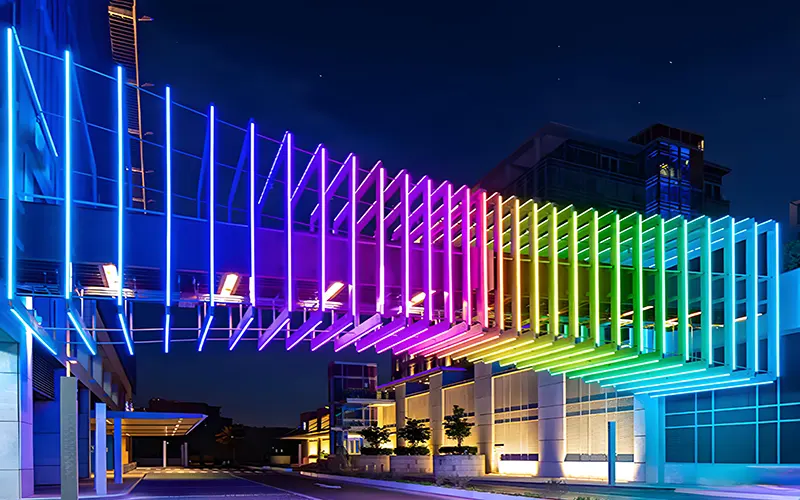
Common Issues and Troubleshooting for Controlling SPI LED Strip via DMX
Even when following the correct procedures, you may still encounter certain common issues. Knowing how to diagnose and resolve these problems can save you a significant amount of time and frustration.
LEDs Not Lighting Up or Unresponsive
First, check the power supply—use a multimeter to verify that the power output is normal, and ensure that all power connections are secure. Second, check the DMX signal—confirm that the DMX link is intact, the address settings are correct, and the termination resistor is installed.
If only a portion of the LED pixels are functioning, the issue likely lies in a break in the data chain; inspect the data line connections or replace any damaged LED pixels.
Incorrect Color Display
This is typically a configuration issue. Verify that the color order settings on your protocol converter match the specifications of your LED chips. If the colors are completely scrambled, try switching between GRB, RGB, and BGR sequences. If the colors appear dim or the pixels at the end of the strip are distorted, this indicates a voltage drop issue; you will need to add power injection points along the middle of the LED strip.
Flickering or Unstable Effects
These issues can stem from a variety of causes. Signal interference is a common culprit; ensure that data cables are kept away from power lines and high-voltage equipment, and consider using shielded cables to improve signal quality.
Inadequate grounding can also lead to problems; verify that all devices share a common ground connection. Refresh rate issues may originate from controller settings; try adjusting the DMX output rate or the parameters of the protocol converter.
Performance Issue: Response Latency
This is typically associated with an excessive number of channels or insufficient processing power in the controller. Consider dividing large installations into multiple independent DMX universes, or utilizing higher-performance protocol converters.
On the software side, optimize your programming to reduce unnecessary complexity and employ efficient effects algorithms.
Conclusion
Combining the professional control capabilities of DMX with the pixel-level addressability of SPI LED strip offers the optimal approach for executing any complex, dynamic lighting project. Through proper connection, configuration, programming, and commissioning, users can effortlessly achieve precise control over their lighting, delivering stunning visual effects for a wide variety of events. For more information on DMX512 and SPI LED strips, please contact us.
FAQs
Yes, you can; however, you must ensure that your DMX control software or controller supports RGBW channel configurations. RGBW LED strips typically require four DMX channels (R, G, B, and W), so the channel assignments on your controller must be adjusted accordingly.
It can be used. However, for home lighting applications, I would recommend using an SPI LED strip controller controlled via Wi-Fi, Bluetooth, or Zigbee, as this solution is generally simpler and more cost-effective.
DMX and SPI are two entirely distinct digital communication protocols. The DMX protocol cannot directly control the pixel chips embedded within SPI LED strips. A DMX-SPI decoder acts as an “interpreter”: it receives standard DMX signals from a DMX console and translates them into the specific SPI data streams that the LED strip’s chips (such as the WS2812B) can understand, thereby enabling control.
Yes, it is. Modern professional lighting control systems typically utilize network protocols—such as Art-Net or sACN—to transmit hundreds of DMX Universes over standard Ethernet cables. Each Universe can be connected to a DMX-SPI decoder or network node, allowing the system to theoretically scale up to control tens of thousands of pixels, thereby easily meeting the demands of large-scale architectural or stage projects.